
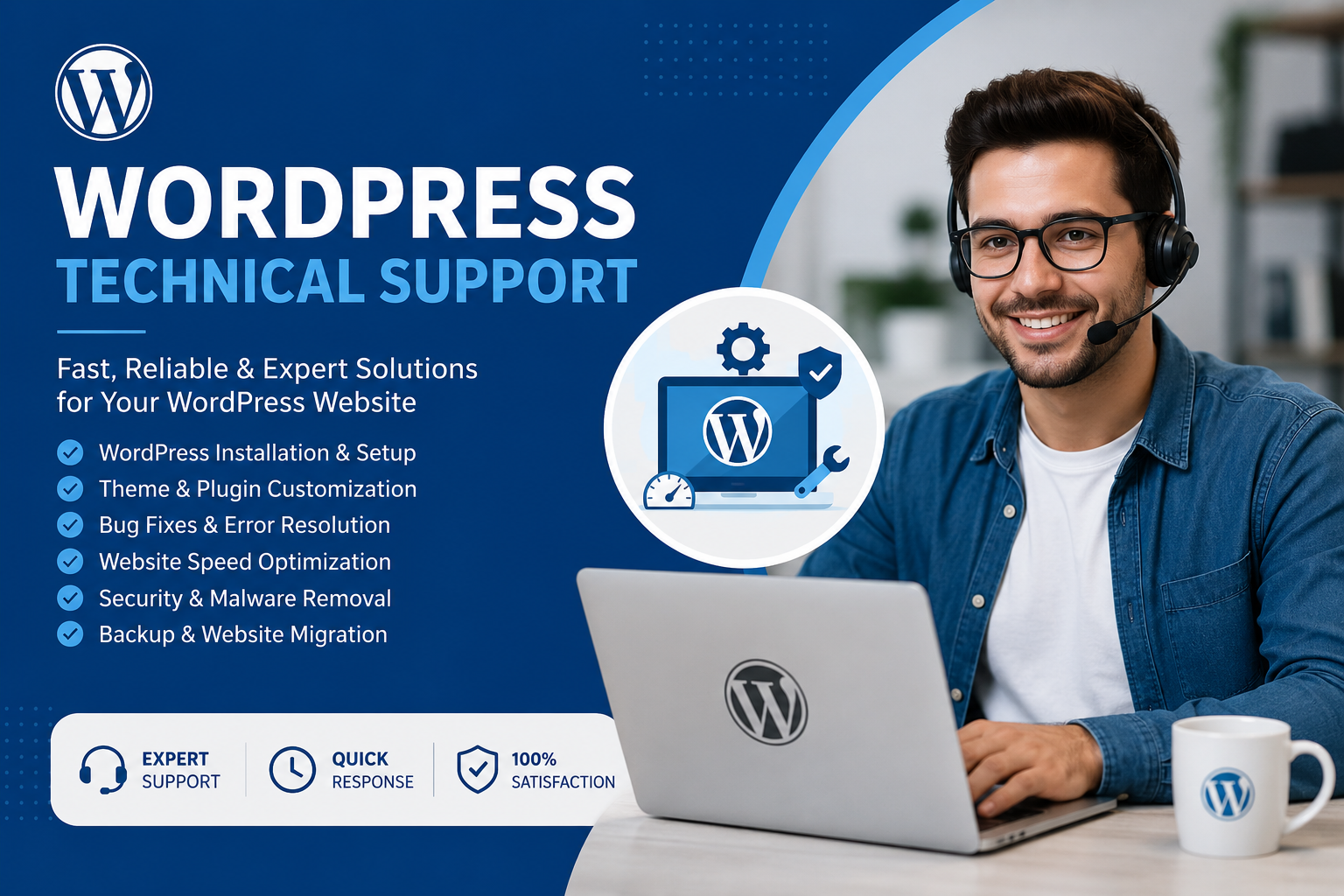
Running a WordPress website is easier said than done. While the platform is powerful and flexible, maintaining it requires regular attention. Without proper care, your site can face plugin conflicts, slow loading times, security threats, or even unexpected crashes. These issues directly impact your business—lost visitors, reduced sales, and lower search engine rankings are just the tip of the iceberg.
This is where WordPress Technical Support becomes crucial. It ensures your website is always optimized, secure, and running at peak performance. At WPCarePoint, our expert team monitors your site 24/7, detects problems early, and provides fast solutions. In this article, we’ll cover:
How WordPress technical support works
Why your website cannot afford to ignore it
The specific benefits of WPCarePoint services
Step-by-step guidance on getting started
With this guide, you’ll understand why technical support isn’t just optional—it’s a necessity for every WordPress website.
How WordPress Technical Support Works
WordPress technical support covers multiple aspects of website management. Here’s how it works to keep your site healthy:
1. Regular Maintenance
Core Updates: WordPress releases frequent updates to improve security and functionality. Technical support ensures these updates are applied promptly.
Plugin and Theme Updates: Outdated plugins and themes can create vulnerabilities or break site features. Regular maintenance prevents this.
Code Optimization: Removing old or conflicting code ensures smooth site operation.
Example: Imagine your website relies on an outdated contact form plugin. Without updates, it may stop working or even expose your site to hackers. WPCarePoint’s regular maintenance ensures all plugins and themes are up to date and fully compatible.
2. Security Monitoring
A secure website protects both your business and your users. Technical support includes:
Malware Scanning and Removal: Detect threats before they cause damage.
Firewall Setup: Block malicious traffic and protect sensitive data.
Login Protection: Prevent brute-force attacks and unauthorized access.
Tip: Adding two-factor authentication (2FA) is a simple yet effective way to enhance security, something WPCarePoint includes in its monitoring plan.
3. Performance Optimization
Website speed is critical for user experience and search rankings. Technical support focuses on:
Caching Setup: Reduces server load and speeds up page delivery.
Database Cleanup: Removes unnecessary data and improves performance.
Image & Code Optimization: Compresses images and minifies code for faster loading.
A website that loads in under 3 seconds keeps visitors engaged. Slow websites risk losing up to 40% of potential users.
4. Bug Fixing & Troubleshooting
Detect plugin or theme conflicts
Fix layout or functional errors
Resolve downtime issues quickly
Example: A broken checkout page on an e-commerce website can cost sales immediately. WPCarePoint detects and resolves such issues within hours.
5. Backup & Recovery
Even the best-protected websites can face unexpected issues. Technical support includes:
Daily or weekly backups
Easy emergency recovery
Disaster recovery planning
Tip: Always store backups offsite, like in cloud storage, to ensure data safety.
6. SEO & Analytics Support
A healthy website should also perform well in search engines:
Optimize website speed and structure for SEO
Monitor traffic and analytics for insights
Suggest improvements for better ranking
Example: If your website has a slow homepage, technical support can optimize images and scripts to improve SEO performance and user engagement.
Why Your Website Needs WordPress Technical Support
Neglecting technical support can have serious consequences:
Downtime Prevention: Websites that are not monitored can crash, resulting in lost visitors and revenue.
Security Protection: Hackers exploit vulnerabilities in outdated themes and plugins.
Performance Boost: Faster websites improve user experience and reduce bounce rates.
Traffic Growth: Optimized websites attract and retain more visitors.
Studies show that visitors leave websites that take longer than 3 seconds to load. Technical support ensures your website remains fast and reliable.
Benefits of WPCarePoint WordPress Support
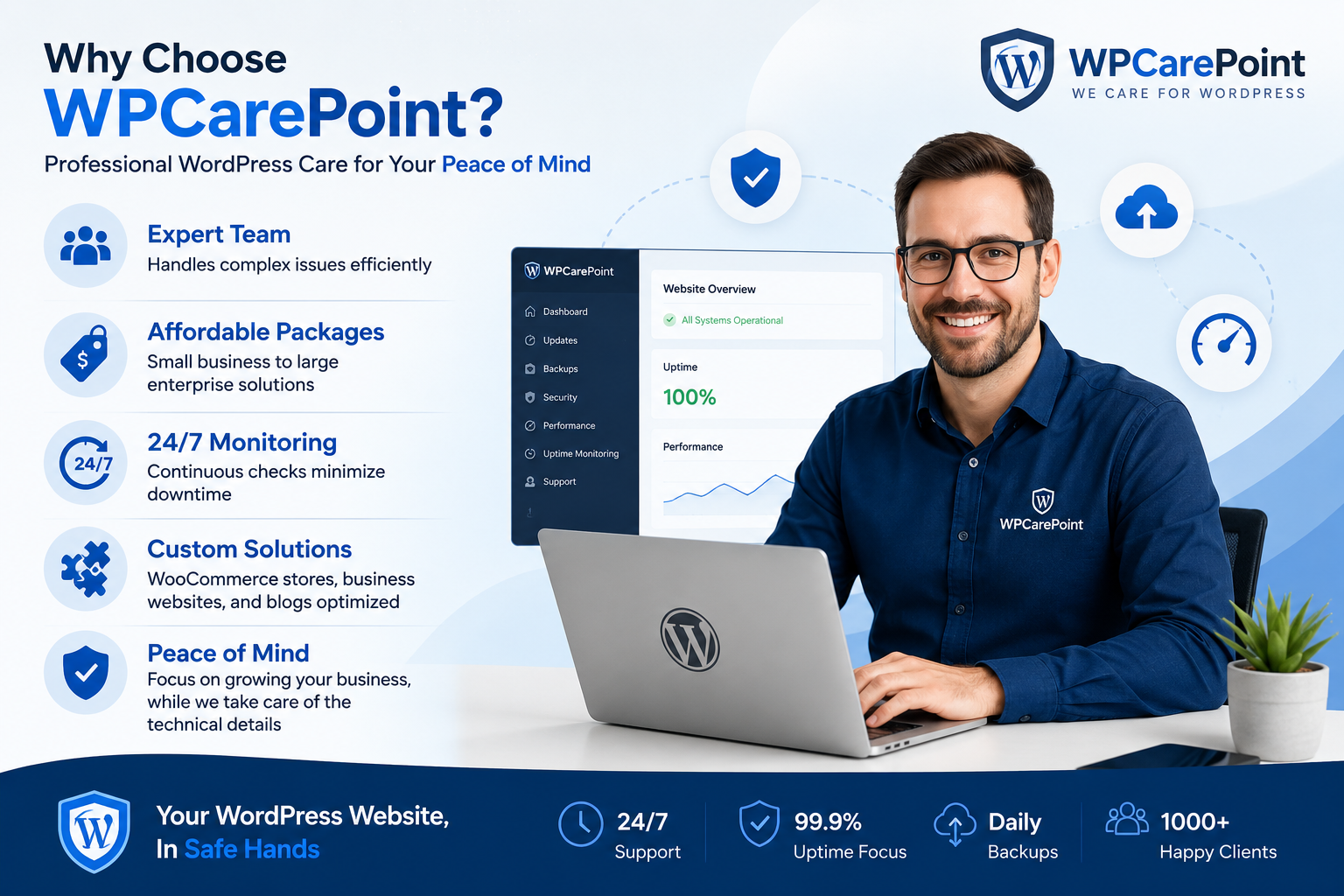
Choosing a professional service like WPCarePoint brings measurable benefits:
Expert Team: Handles complex issues efficiently
Affordable Packages: Small business to large enterprise solutions
24/7 Monitoring: Continuous checks minimize downtime
Custom Solutions: WooCommerce stores, business websites, and blogs optimized
Peace of Mind: Focus on growing your business, while we take care of the technical details
Tips to Maximize WordPress Technical Support
Schedule Regular Maintenance: Don’t wait for problems to arise.
Prioritize Security: Enable firewalls, malware scanning, and 2FA.
Optimize for Speed: Compress images, use caching, and remove unused plugins.
Regular Backups: Ensure backup frequency matches website activity.
Monitor Analytics: Track performance and user behavior to improve experience.
Visual Suggestion: Include icons or images representing “Security,” “Speed,” “Backup,” and “Optimization” to increase engagement.
How to Get Started with WPCarePoint
Visit the WPCarePoint website: https://wpcarepoint.com/
Choose the support plan that fits your website’s needs
Submit your website details
Start receiving expert WordPress technical support
With WPCarePoint, your website is monitored around the clock, issues are resolved quickly, and performance is always optimized.