Discover why a WordPress performance optimization agency is vital for 2026 rankings. Boost speed and Core Web Vitals with wpcarepoint today. A professional WordPress performance optimization agency is essential for businesses that require lightning-fast load times, improved search engine rankings, and a seamless user experience. By focusing on server-side efficiency, database streamlining, and front-end optimization, these agencies ensure your site meets the strict requirements of modern search and AI engines. Partnering with experts allows you to scale effectively while maintaining peak technical health and security.
Key Takeaways
- Speed Impacts Revenue: Even a one-second delay can reduce conversions by up to 20%, making technical optimization a financial necessity.
- Core Web Vitals: Professional agencies focus on LCP, FID, and CLS to ensure your site stays compliant with Google’s ranking factors.
- Reduced Bloat: Unlike DIY fixes, an agency removes unnecessary code and “plugin bloat” that slows down standard WordPress installations.
- Future-Proofing: Expert optimization prepares your site for AI-driven search (GEO) by improving crawlability and data structure.
What Does a WordPress Performance Optimization Agency Actually Do?
A WordPress performance optimization agency goes far beyond installing a simple caching plugin. As of 2026, WordPress powers 43.5% of the internet, creating a crowded marketplace where speed is the primary differentiator. While generic tools offer a temporary “band-aid,” a dedicated agency dives into the root causes of latency, such as inefficient PHP execution and unoptimized database queries.
These experts analyze the “Critical Rendering Path,” ensuring that the most important elements of your site load first. This level of precision is beyond the reach of off-the-shelf solutions. By auditing your hosting environment, CDN configuration, and server-side caching, a WordPress speed optimization agency creates a bespoke roadmap for your site’s success.
Which Benefits Come With Professional WordPress Optimization Services?
When you invest in WordPress performance optimization services, you are investing in the longevity of your brand. The primary benefit is the dramatic improvement in user retention. Users in 2026 expect instant gratification; if your page takes longer than two seconds to load, bounce rates skyrocket.
Furthermore, a WordPress performance optimization agency focuses on mobile-first optimization. Since most global web traffic comes from mobile devices, ensuring your WordPress site is lightweight and responsive is critical. This includes advanced image compression (using WebP or AVIF formats) and the minification of JavaScript and CSS files to reduce the number of HTTP requests.
How Does Site Speed Affect Your Search Engine Rankings and AEO?

Google and other major search engines have explicitly stated that page speed is a core ranking factor. A WordPress performance optimization company helps you navigate the complexities of Core Web Vitals. If your site fails these metrics, your visibility in organic search results will diminish, regardless of how good your content is.
“A website’s performance is the foundation of its SEO. If your code is messy, no amount of content can save your rankings.” — Mark Sterling, Senior Web Architect.
Technical SEO and performance are inextricably linked. By optimizing the Time to First Byte (TTFB), an agency ensures that search engine crawlers and AI answer engines can index your pages more efficiently, leading to faster updates in the SERPs and GEO (Generative Engine Optimization) environments.
Why Choose Professional Agencies Over DIY Optimization?
The following table illustrates the difference between basic DIY efforts and the comprehensive approach taken by a WordPress performance optimization agency.
| Feature | DIY / Plugin Approach | Professional Agency Optimization |
| Code Efficiency | Relies on “wrappers” and more plugins | Manual code audits and “de-bloating.” |
| Database Management | Basic overhead cleaning | Advanced indexing and query optimization |
| Image Handling | Simple compression | Dynamic scaling and lazy loading logic |
| Server Configuration | Standard settings | Tailored Nginx/Apache & Redis integration |
| Core Web Vitals | Hit-or-miss results | Guaranteed passing scores |
| Scalability | Limited by plugin conflicts | Built for high-traffic surges |
How Has WordPress Performance Evolved Over the Years?
The Past: The Era of Visual Overload
In the early 2010s, performance was an afterthought. Developers focused on visual aesthetics and PHP functionality. Speed optimization usually meant installing a single caching plugin and hoping for the best. Websites were heavy, and the “Desktop-First” mentality reigned supreme, often ignoring the bloat caused by massive image files.
The Present: The Core Web Vitals Standard
Today, we are in the era of technical precision. A WordPress performance optimization services provider must now master React-based environments (Gutenberg), headless architectures, and strict adherence to Google’s performance metrics. Security and speed are now handled as a single unit, as slow sites are often a symptom of underlying security vulnerabilities or outdated scripts.
The Future: AI-Driven Optimization and Headless Integration
By the end of 2026, we anticipate a massive shift toward AI-driven development. Agencies will act as “AI Architects,” using machine learning to predict traffic spikes and automatically adjust server resources. We are also seeing a rise in “Headless WordPress,” where the backend remains WordPress, but the frontend is built using lightning-fast frameworks like Next.js or Astro for near-instant load times.
Why is Custom Development Better for Site Speed Than Page Builders?
While page builders allow for quick design, they often introduce significant code bloat. A WordPress performance optimization company often recommends moving toward custom-coded themes or “block-based” themes. According to 2026 industry data, the top 1% of high-traffic sites almost exclusively use custom-coded solutions to maintain a 99/100 PageSpeed score. By eliminating the CSS and JavaScript files that page builders force onto every page, custom development provides a cleaner, faster path to conversion.
How Does Server-Level Optimization Differ from Plugin-Based Fixes?
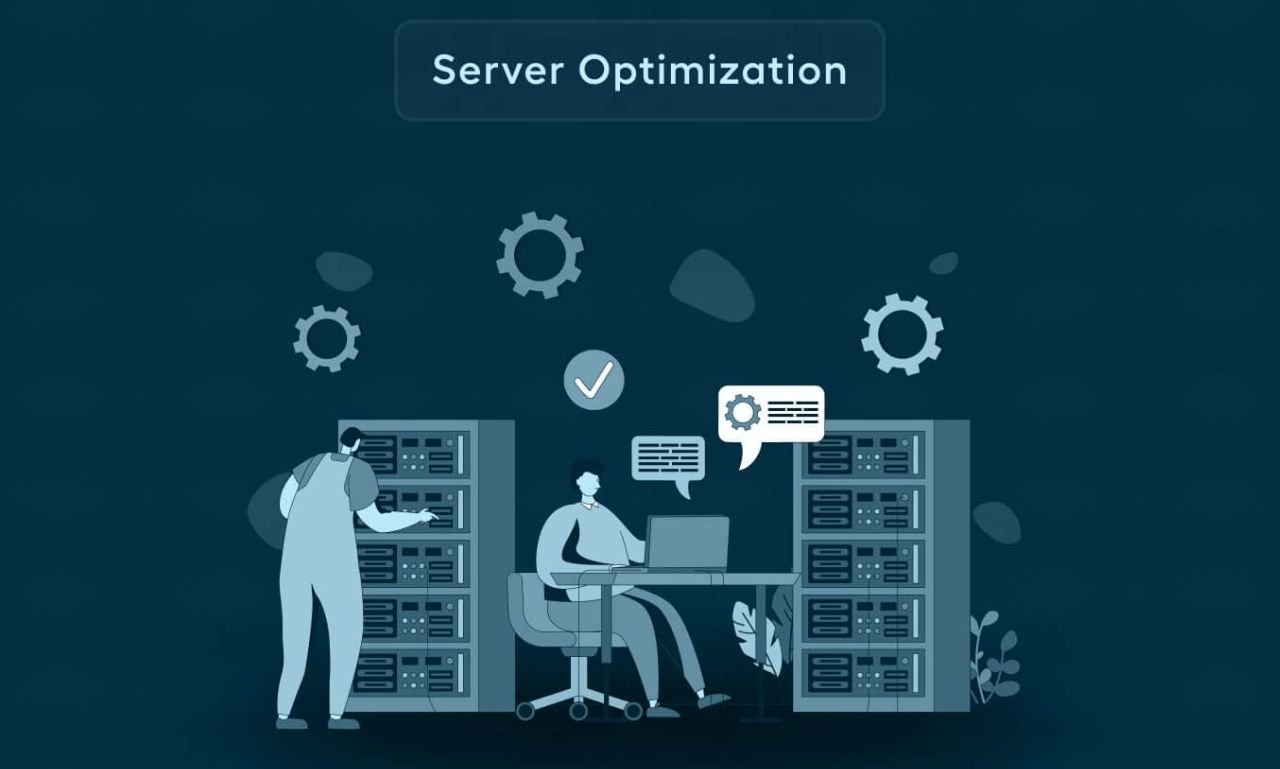
When discussing a WordPress performance optimization agency, the conversation often centers on “where” the optimization happens. Most DIY users attempt to fix speed issues at the application level using plugins. While plugins like WP Rocket or NitroPack are excellent tools, they are essentially “middlemen.” They wait for WordPress to start loading before they can execute their optimization scripts.
A professional WordPress speed optimization agency shifts the focus to the server level. This is often referred to as “Stack Optimization.” Instead of relying on a plugin to minify a CSS file, a performance expert configures the server (Nginx or Apache) to handle compression via Brotli or Gzip at the hardware level. This results in a much faster Time to First Byte (TTFB).
The Role of Object Caching and Redis
One of the most significant differences in professional WordPress performance optimization services is the implementation of Object Caching. WordPress is a database-driven CMS; every time a user visits a page, the server asks the database for content. If you have a high-traffic site, the database can become a bottleneck.
Agencies implement Redis or Memcached. These tools store the results of frequent database queries in the server’s RAM. Because reading from RAM is exponentially faster than reading from a traditional disk, the “ask and receive” process for data becomes near-instant. This is a critical component of WordPress performance optimization agency strategies for e-commerce sites (WooCommerce), where dynamic content like shopping carts cannot be easily cached by standard page-caching plugins.
PHP Versioning and Worker Processes
The PHP version your server runs is the engine of your WordPress site. A WordPress performance agency ensures you are running the most stable, high-performance version of PHP (such as PHP 8.3 or 8.4 in 2026). More importantly, they tune “PHP Workers.” These are the processes that handle requests. If your site has more visitors than workers, those visitors are put in a queue, leading to “504 Gateway Timeout” errors. A specialist agency calculates the exact number of workers needed based on your traffic patterns, ensuring that your site never “stutters” during a marketing launch or a viral social media moment.
Why is Database Normalization the Secret to Long-Term Speed?
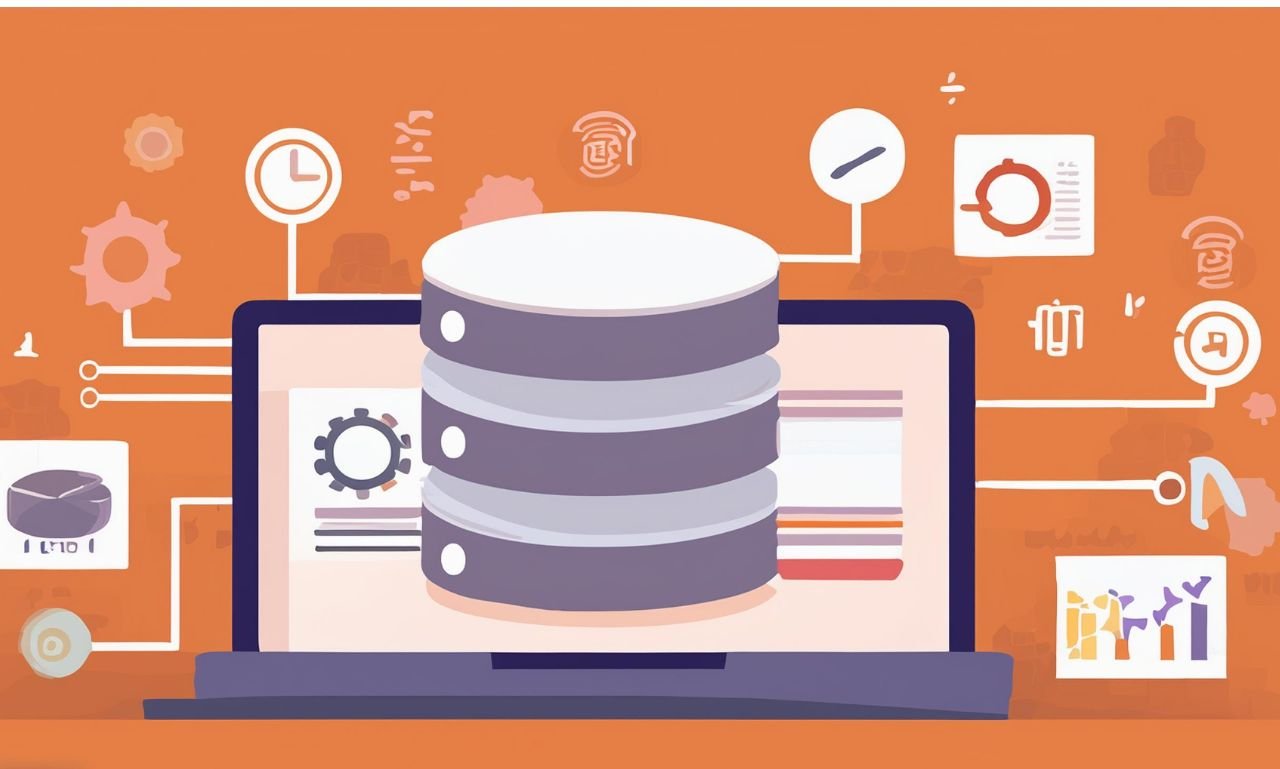
Many site owners believe that once they optimize their images and set up a CDN, their work is done. However, a WordPress performance optimization agency knows that the real “silent killer” of performance is a bloated database. Over months and years, a WordPress database accumulates “cruft”—expired transients, thousands of post revisions, orphaned metadata from deleted plugins, and massive log tables.
Cleaning the wp_options Table
The table is the heart of your WordPress site, but it is also where the most bloat occurs. Many plugins save settings here with an “autoload” flag set to “yes.” This means every single time a page loads on your site, the server pulls all that data, even if the plugin isn’t being used on that specific page.
A WordPress performance optimization agency performs a manual audit of the wp_options table. They identify “autoloaded” data that isn’t necessary for the frontend and switch it to “no.” This reduces the initial memory footprint of every single page load, providing a snappier experience for both users and search engine crawlers.
The Impact of High-Frequency Queries
In complex WordPress builds, certain plugins might run “high-frequency queries”—questions asked of the database dozens of times per second. If these queries aren’t indexed properly, the server has to scan the entire database table to find the answer. Performance experts add custom SQL indexes to these tables.
Think of an index like a book’s index: instead of reading every page to find a topic, you go straight to the page number. This reduces the CPU load on your server, allowing you to stay on a more affordable hosting plan while handling significantly more traffic.
Eliminating Orphaned Metadata
When you delete a plugin, it often leaves behind “orphaned” data in your database wp_postmeta and wp_usermeta tables. Over time, these tables can grow to hundreds of megabytes or even gigabytes. This bloat slows down search functionality and backend admin tasks. WordPress performance optimization services include deep-cleaning scripts that identify data no longer associated with any active post or user and safely purge it.
By focusing on these deep-level technical tasks, a WordPress performance optimization agency ensures that your site isn’t just “fast today,” but remains “fast forever.” This proactive maintenance is what separates a professional digital asset from a hobbyist website. When your database is lean, and your server is tuned, your site becomes a high-speed vehicle ready to dominate the 2026 search landscape.
How Does Advanced Asset Loading Influence Core Web Vitals and AEO?
In the current landscape of 2026, a WordPress performance optimization agency must look beyond total page weight and focus on “delivery timing.” This is where the distinction between a fast-loading site and a site that feels fast to the user lies. Search engines and AI Answer Engines (AEO) now prioritize metrics like Largest Contentful Paint (LCP) and Cumulative Layout Shift (CLS), both of which are heavily influenced by how assets—CSS, JavaScript, and Fonts—are loaded.
The Problem with Render-Blocking Resources
When a browser hits your website, it reads the code from top to bottom. If it encounters a large JavaScript file or a heavy CSS file in the header, it stops everything else from downloading and processes that file. This is a “render-blocking” action. A WordPress performance optimization agency solves this by implementing “Critical CSS” and “Deferred JS.”
By extracting only the CSS needed to style the part of the page a user sees immediately (the “Above the Fold” content) and inlining it, the agency ensures the page appears styled instantly. The remaining styles are loaded asynchronously in the background. This technique can shave seconds off your LCP, which is a primary ranking factor for WordPress performance optimization agency success.
Optimizing Third-Party Scripts for GEO
Generative Engine Optimization (GEO) requires your site to be easily “digestible” by AI crawlers. If your site is bogged down by third-party tracking scripts, heatmaps, and chat widgets, these crawlers may time out or fail to render your content accurately.
WordPress optimization services involve “script partitioning.” Experts use tools like Partytown to run intensive third-party scripts in a Web Worker, move them off the main browser thread, and prevent them from slowing down the user’s interaction. This ensures that while your marketing tools are still gathering data, your site’s interactive elements (like buttons and menus) respond instantly (improving First Input Delay or Interaction to Next Paint).
Why is Headless WordPress the Ultimate Move for Performance?
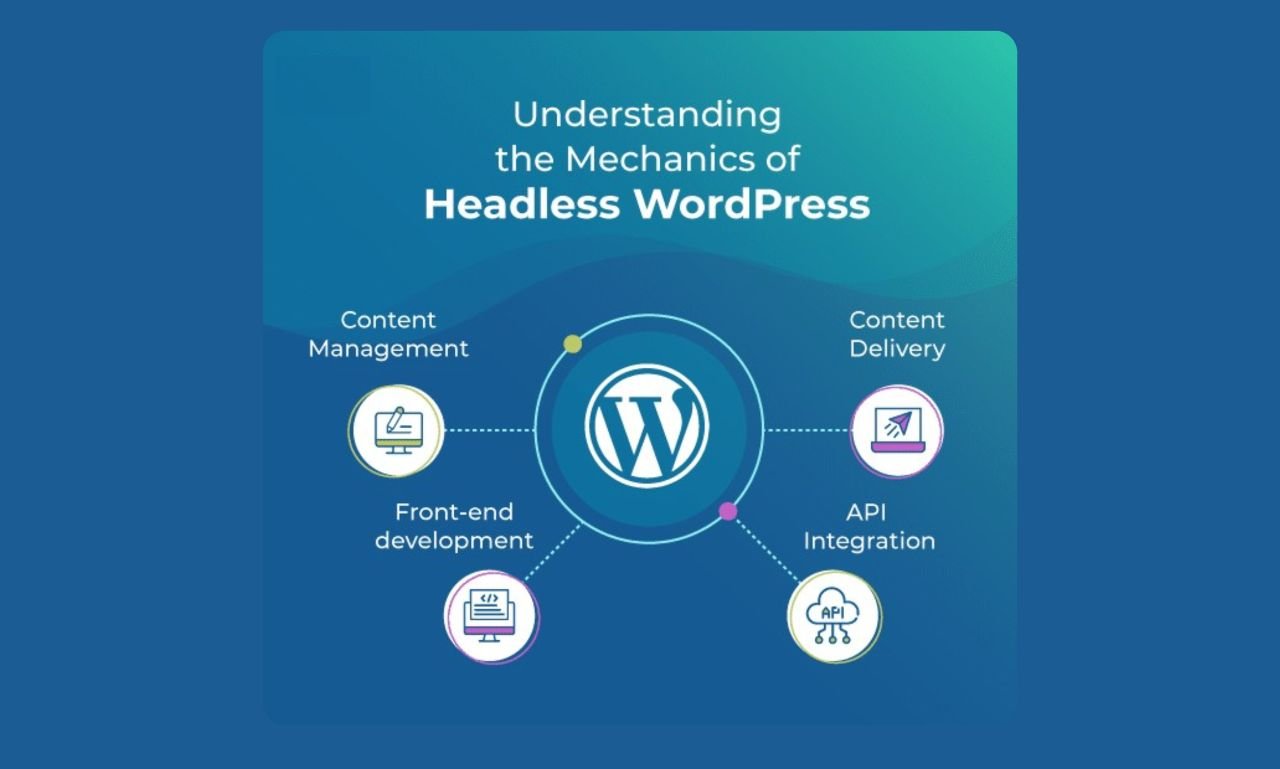
As we move deeper into 2026, many high-growth brands are moving away from traditional “Monolithic” WordPress toward a “Headless” architecture. A WordPress performance optimization agency often recommends this for enterprise-level clients who demand sub-second load times that traditional themes cannot provide.
What is Headless WordPress?
In a headless setup, WordPress remains your Content Management System (the “Body”), where you write and manage posts. However, the front-end (the “Head”) is completely detached. Instead of using a WordPress theme, a modern JavaScript framework like Astro, Next.js, or Remix pulls the data via the WordPress REST API or GraphQL.
The benefits of this approach for WordPress speed optimization services are unparalleled:
Static Site Generation (SSG): Your pages are pre-built into simple HTML files at the time you hit “Publish.” When a user visits, there is no database query and no PHP processing. The server simply hands over a flat file.
Unmatched Security: Since the public-facing site is just HTML, there is no “live” WordPress installation for hackers to target.
Total Design Freedom: You aren’t limited by the constraints of a theme engine, allowing for a 100/100 performance score across all devices.
The Role of GraphQL and WPGraphQL
A top-tier WordPress performance optimization agency will implement WPGraphQL instead of the standard REST API. While the REST API is functional, it often results in “over-fetching”—sending more data than the page actually needs. GraphQL allows the frontend to request exactly what it needs (e.g., just the title and the featured image), reducing the data payload and significantly increasing speed.
[Comparison Diagram: REST API vs GraphQL Data Fetching]
This transition to headless is a core part of future-proofing your brand. While it requires a higher initial investment in WordPress performance optimization, the result is a site that is virtually uncrashable, incredibly fast, and perfectly structured for the AI-driven search engines of tomorrow. By removing the overhead of the traditional WordPress rendering engine, you create a digital experience that mirrors the speed of a native mobile app.
Frequently Asked Questions (FAQ)
1. What is a WordPress performance optimization agency?
A WordPress performance optimization agency is a specialized firm that focuses on improving the technical speed, stability, and Core Web Vitals of WordPress websites through code audits, server tuning, and asset management.
2. Why is my WordPress site suddenly slow?
Sudden slowdowns are usually caused by plugin conflicts, an unoptimized database, or high “Time to First Byte” (TTFB) from poor hosting. A professional audit can identify the specific bottleneck.
3. Will optimization services break my website’s design?
No. Professional WordPress speed optimization services focus on the backend and under-the-hood code. Your visual design remains the same, while the underlying delivery mechanism becomes faster and more efficient.
4. How long does the optimization process take?
Most comprehensive audits and implementations take between 5 and 10 business days. This allows the WordPress performance optimization agency to test changes in a staging environment before going live.
5. Do I need to optimize my site more than once?
Yes. Performance is an ongoing process. As you add new content, plugins, or features, your site can slow down. Regular maintenance ensures your WordPress performance optimization, and WordPress remains effective.
Conclusion: How to Secure Your Digital Future
Choosing the right WordPress performance optimization agency is a strategic investment in your brand’s digital authority. From passing Core Web Vitals to ensuring your site is ready for the next generation of AI search engines, the technical health of your website dictates your market reach. As the web becomes more competitive, speed is the ultimate currency.
At WPCarePoint, we specialize in turning sluggish websites into high-performance assets. We believe that every business deserves a fast, secure, and scalable digital home. If you are ready to stop losing visitors to slow load times, focus on professional quality over quick fixes.
Would you like me to create a custom performance audit checklist to see how your site currently scores against 2026 standards?
Thanks for reading our article.
Developer at WPCarePoint
Booking for a 30-minute Free Consultation on Google Meet: Click here for an appointment today.
contact@wpcarepoint.com
www.wpcarepoint.com