Looking for a professional WordPress designer for hire? Build a high-performance, SEO-ready site with WPCarePoint. Transform your digital presence today.
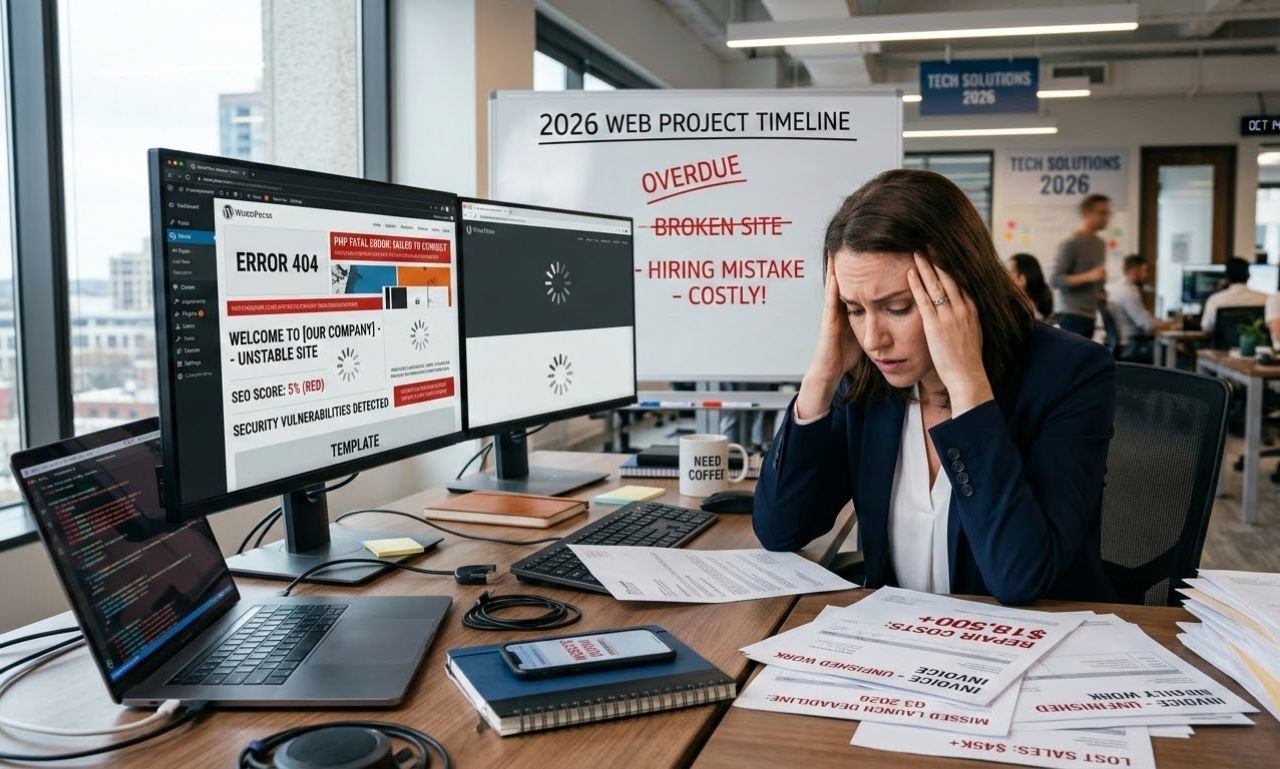
As the digital landscape shifts toward AI-driven search, finding a professional WordPress designer for hire is the most critical step for businesses seeking a high-converting, authoritative online presence. A dedicated expert ensures your website isn’t just a digital brochure but a high-performance asset optimized for Core Web Vitals, advanced security protocols, and visibility into the generative engine.
Key Takeaways
- Performance First: Expert designers prioritize page speed and clean code, ensuring 99/100 PageSpeed scores.
- AEO/GEO Readiness: Professional builds are structured for AI Answer Engines and modern search visibility.
- Custom Scalability: Unlike DIY templates, professional designs grow with your business via bespoke architecture.
- Security Standards: Advanced hardening and regular maintenance prevent 99% of common CMS vulnerabilities.
Why Should You Opt for a Professional WordPress Designer for Hire?
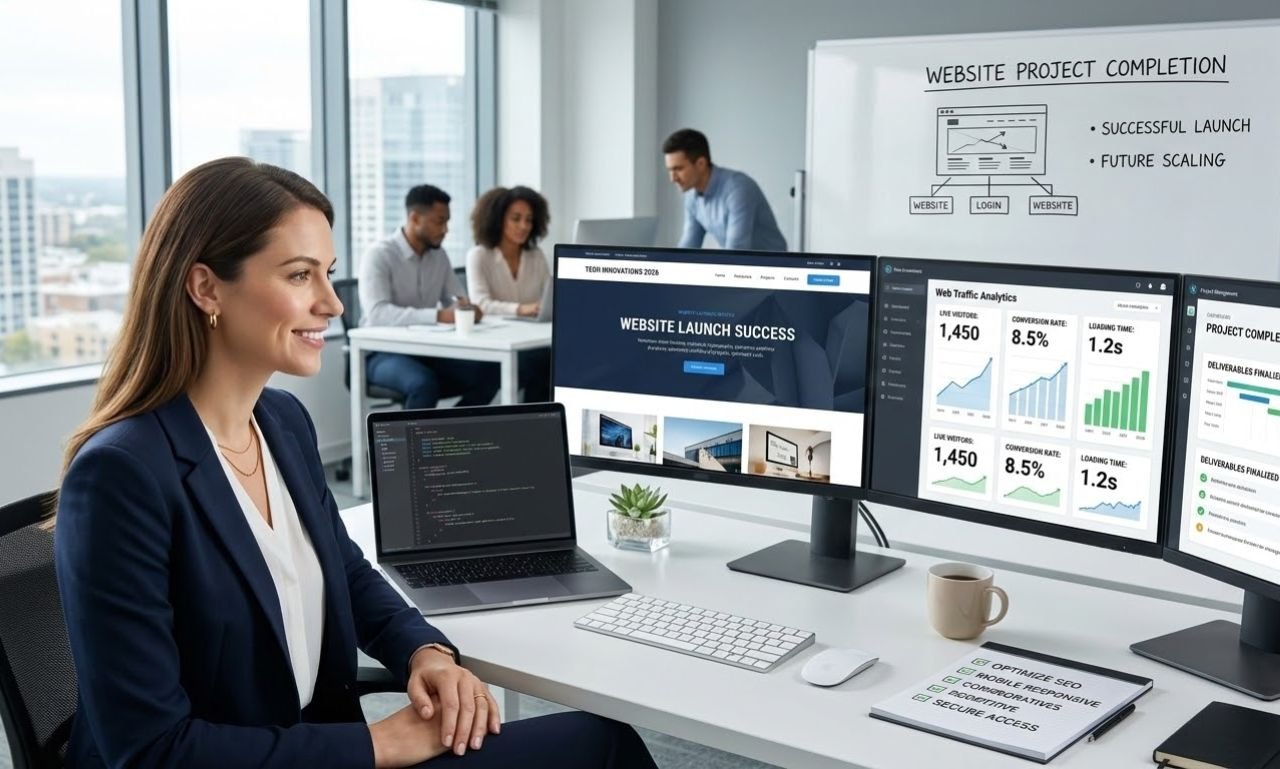
While WordPress’ accessibility allows almost anyone to launch a basic site, there is a vast technical chasm between a “template-heavy” site and a professionally engineered platform. A professional WordPress designer understands that modern web design is no longer just about aesthetics; it is about data structures, accessibility (WCAG), and conversion rate optimization (CRO).
When you hire WordPress designer specialists, you are investing in technical debt reduction. DIY sites often rely on “bloated” page builders and a dozen conflicting plugins. An expert, however, utilizes clean PHP, modern CSS frameworks, and lightweight blocks to ensure the site remains fast and secure.
How Does WordPress Compare to Other CMS Platforms in 2026?
WordPress continues to dominate the global market due to its open-source flexibility and unmatched SEO capabilities. Below is a comparison of how a professional WordPress designer for hire builds up against proprietary “closed” systems.
| Feature | WordPress (Custom) | Shopify | Wix / Squarespace |
| Market Share | 43.5% (Global Leader) | 4.2% | ~2.5% |
| SEO Control | Absolute (Full Schema/Code) | Moderate | Limited |
| Scalability | Unlimited | High (e-commerce only) | Low to Moderate |
| Ownership | 100% User Owned | Subscription Based | Subscription Based |
| AI Integration | Deep (API & Headless) | Limited to Apps | Platform Dependent |
What Are the Core Competencies of a WordPress Web Designer?
A WordPress web designer in 2026 must bridge the gap between creative UI/UX and technical SEO. This role has evolved significantly. It is no longer enough to “make things look pretty.” An expert must now focus on:
- Semantic HTML & Schema Markup: Ensuring that search engines and AI models can “read” the context of your services.
- Mobile-First Indexing: Crafting layouts that respond perfectly across all devices, particularly as mobile traffic accounts for over 60% of global web usage.
- Conversion Centricity: Using heatmaps and user behavior data to place Call-to-Actions (CTAs) where they actually convert.
Implementing the Model Context Protocol (MCP) in WordPress
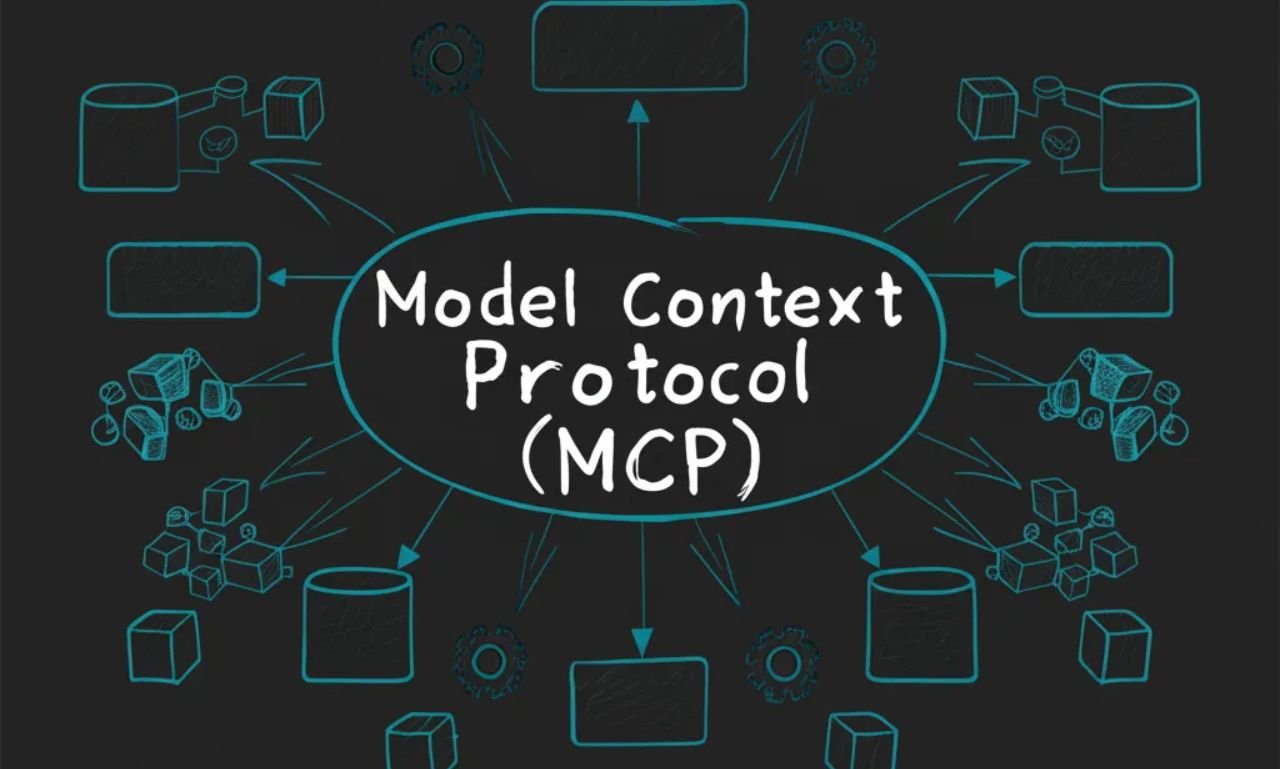
As we move deeper into 2026, the Model Context Protocol (MCP) has emerged as the gold standard for how websites should be structured for AI ingestibility. A professional WordPress designer for hire no longer just optimizes for human readability; they optimize for “Machine Ingestibility.”
Key Principles of MCP for WordPress
Distinct Content Boundaries: AI agents struggle with “hallucinations” when a single page tries to do too much. A specialist ensures each page has a single, clear role—separating tutorials, product specs, and FAQs into distinct, semantically tagged sections.
Role Declaration: Every page should explicitly state its purpose in the metadata. Is it a “Price Guide,” a “Case Study,” or a “Technical Documentation”? This helps AI assistants like Gemini and Perplexity cite your site with 100% accuracy.
Contextual Metadata: Using custom fields to supplement standard posts with data points that AI agents prioritize, such as “Provenance” (the source of the data) and “Retrieval Context” (tagging specific sections for Real-Time Retrieval/RAG).
From Search to Orchestration: WordPress as a Composable DXP
In 2026, a website is no longer an isolated island; it is the “Command Center” or the Digital Experience Platform (DXP) of a brand. When looking for a WordPress designer for hire, enterprises now prioritize “Orchestration”—the ability to coordinate content, CRM data, and AI workflows into measurable outcomes.
The Composable DXP Advantage
Open-Source Flexibility: Unlike proprietary platforms with heavy licensing fees, a WordPress-based DXP allows you to swap tools as technology evolves.
Agentic Orchestration: Modern WordPress sites use AI agents as “connective tissue.” For example, a site can automatically detect a visitor’s intent from their referral source and immediately trigger a personalized lead-gen workflow that connects to your CRM in real-time.
Multi-Region Governance: For global brands, a WordPress designer for hire implements a language architecture that shares core design components while localizing content and currency at the edge (server-side), ensuring microsecond-level load times worldwide.
The Empathy Economy: Designing for Trust and Transparency
As AI-generated content saturates the web, “Human-Centeredness” has become a premium value. In 2026, the WordPress designer for hire who wins is the one who can design for the “Empathy Economy”—building interfaces that prioritize clarity, integrity, and ethical data usage.
Designing for Transparency
Consent-Aware Personalization: Personalization must be fast but also privacy-first. Designers now build interfaces where users can clearly see why they are seeing specific content and can easily toggle their data preferences without leaving the page.
Anti-Grid & Organic Layouts: After a decade of rigid, “boxy” websites, 2026 has seen a shift toward organic shapes, asymmetric compositions, and “imperfect” details. These elements humanize the digital experience, signaling to the visitor that there is a real person and a real brand behind the screen.
Micro-Interactions as Feedback: Every scroll and click should provide meaningful feedback. Subtle parallax effects and “rippling” buttons aren’t just for show; they reinforce the “Cause and Effect” of the interface, making the user feel in total control of their digital journey.
Why is a WordPress Developer for Hire Different from a Designer?
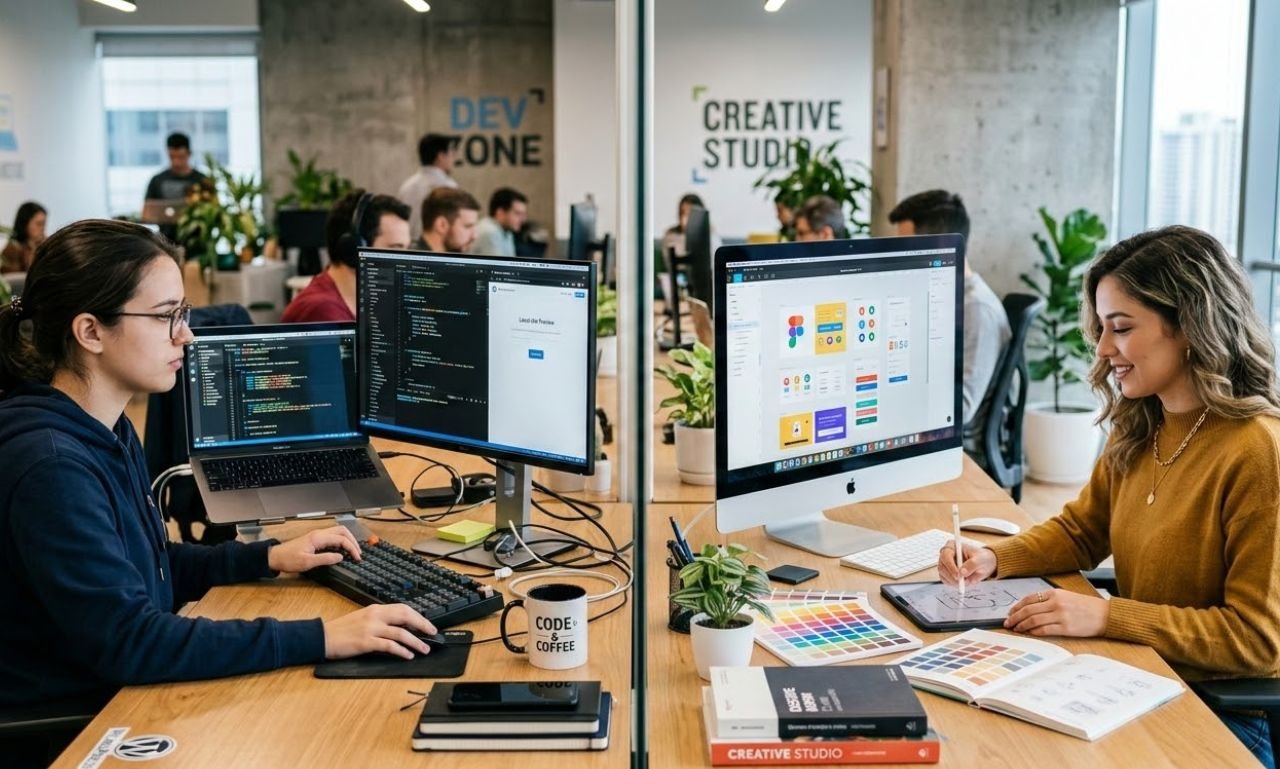
It is vital to distinguish between these roles, though the best experts often overlap. A WordPress developer for hire typically handles the “under the hood” mechanics—database optimization, custom API integrations, and security hardening.
Conversely, a WordPress designer for hire focuses on the user journey and visual branding. For a truly successful project, you need a synergy of both: a site that looks stunning but is built on a foundation of “clean” code that Google’s crawlers can index efficiently.
“In 2026, a website’s performance is its most important SEO signal. If your code is messy or your design is bloated, no amount of high-quality content can save your rankings from the efficiency of AI-driven search engines.”
— Mark Sterling, Senior Web Architect
How Has WordPress Design Evolved from the Past to the Future?
The Past: The Era of Bloat (2015–2022)
In previous years, the trend was “all-in-one” themes. These themes were packed with every possible feature, most of which went unused, leading to slow load times and security holes.
The Present: Core Web Vitals & Gutenberg (2023–2025)
The focus shifted toward the Block Editor (Gutenberg) and Full Site Editing (FSE). AWordPress designer for hire today uses native blocks to keep the site lightweight. The “Present” is defined by speed, where a 1-second delay in load time can result in a 7% drop in conversions.
The Future: AI Integration & Headless Architecture (2026 and Beyond)
We are now entering the era of “Headless WordPress,” where the CMS serves as a backend while the frontend is built with high-speed frameworks like React or Next.js. This allows for near-instant loading and deep integration with AI agents that can pull data directly from your site to answer user queries in real-time.
Is Custom Development Better Than Using Standard Page Builders?
While page builders have their place for micro-businesses, a WordPress designer for hire focused on enterprise-level growth will almost always recommend custom-coded solutions or lightweight block patterns.
Standard page builders often add thousands of lines of unnecessary code (CSS/JS). By using custom development, your site only loads what is necessary for that specific page. With WordPress powering 43.5% of the web, the competition is fierce; having a site that loads in under 500ms provides a significant competitive advantage in search rankings.
How Do You Choose the Right WordPress Website Designer?
When looking for a WordPress designer for hire, your vetting process should go beyond a portfolio. Ask the following technical questions:
- How do you handle image optimization and “Lazy Loading”?
- Will the site be built using a “Child Theme” to ensure safe updates?
- How do you implement Schema.org markup for AEO (AI Answer Engine Optimization)?
- What is your strategy for minimizing “Third-Party Script” impact on performance?
Why Does Your Business Need WPCarePoint for WordPress Solutions?
Navigating the complexities of modern web standards requires a partner that understands the intersection of design, security, and search engine evolution. High-quality design is an investment that pays dividends in user trust and search visibility.
At WPCarePoint, we specialize in creating authoritative, conversion-focused websites that adhere to the strictest SEO and GEO standards. Whether you need a complete brand overhaul or a technical performance audit, our focus remains on delivering a secure, scalable, and lightning-fast digital experience.
Is Headless WordPress the Right Choice for Your Enterprise Site?
As speed becomes a primary ranking factor for both Google and AI Answer Engines, many are moving away from traditional “monolithic” WordPress. A WordPress designer for hire can implement a Headless Architecture, where WordPress handles the backend content management, while a high-speed framework like React or Next.js manages the frontend.
The Benefits of Going Headless
Infinite Speed: By decoupling the frontend, you eliminate the “PHP bottleneck,” allowing pages to load near-instantaneously.
Enhanced Security: Since the public-facing site is separate from the WordPress core, the “attack surface” for hackers is virtually non-existent.
Omnichannel Publishing: You can push content from one WordPress dashboard to your website, mobile app, and even IoT devices simultaneously.
How Can AI Integration Enhance Your WordPress User Experience (UX)?
In 2026, a WordPress designer for hire does more than just pick colors; they integrate “Adaptive Intelligence.” This means your website actually learns from user behavior to provide a personalized journey.
Modern AI Features for WordPress
Predictive Search: Using plugins like SearchWP combined with AI models to predict what a user is looking for before they finish typing.
AI-Driven Personalization: Displaying different “Hero Sections” based on whether a visitor arrived from a LinkedIn professional ad or a casual Instagram post.
Automated Content Clusters: Using AI to analyze your database and automatically suggest internal links, which boosts your WordPress SEO advantages.
Why Are Core Web Vitals (LCP, INP, CLS) the New SEO Currency?
Google’s focus has shifted entirely toward “Page Experience.” If you are a WordPress designer for hire, your success is measured by three specific metrics that a professional WordPress designer for hire must master to stay competitive.
The 2026 Performance Benchmarks
Largest Contentful Paint (LCP): Your main content must load in under 1.8 seconds.
Interaction to Next Paint (INP): This replaced FID and measures how fast your site responds to a click. The goal is under 200ms.
Cumulative Layout Shift (CLS): This measures visual stability. If your “Contact Us” button jumps when an ad loads, your score drops. A target of 0.1 or less is mandatory.
How Do You Future-Proof WordPress Security for 2026?
With the rise of automated bot attacks, basic security plugins are no longer enough. A WordPress designer for hire must now implement a Zero Trust Security Architecture.
The Expert Security Checklist
Application Passwords: Disabling global XML-RPC and using unique application passwords for integrations.
Geo-Fencing: Restricting access to the
/wp-adminarea to specific IP addresses or geographic regions.Real-Time Malware Patching: Using server-level firewalls (WAF) that block threats before they even reach your WordPress installation.
What Is Sustainable “Green” Web Design in WordPress?
Sustainability has become a corporate requirement. “Green Web Design” focuses on reducing the carbon footprint of a website by minimizing data transfer.
Eco-Friendly Design Strategies
System Fonts: Using fonts already installed on the user’s device (like Arial or Helvetica) to save the energy required to download custom web fonts.
AVIF & WebP Images: Using next-gen formats that offer 50% better compression than standard JPEGs.
Dark Mode Support: Designing sites that can switch to dark mode, which consumes significantly less power on OLED mobile screens.
Why Is “Answer-First” Content Strategy Vital for GEO?
Generative Engine Optimization (GEO) is the practice of optimizing for AI assistants like Gemini and ChatGPT. A WordPress designer for hire must structure your site’s layout to favor “Information Gain.”
Structuring for AI Citations
Semantic HTML: Using tags like
<article>,<section>, and<aside>correctly so AI agents can parse the hierarchy of information.Schema Markup: Implementing Advanced Schema (FAQ, How-to, and Product) so your content appears in “Rich Results” and AI-generated overviews.
How Does “Agentic” UX Revolutionize WordPress Interaction?
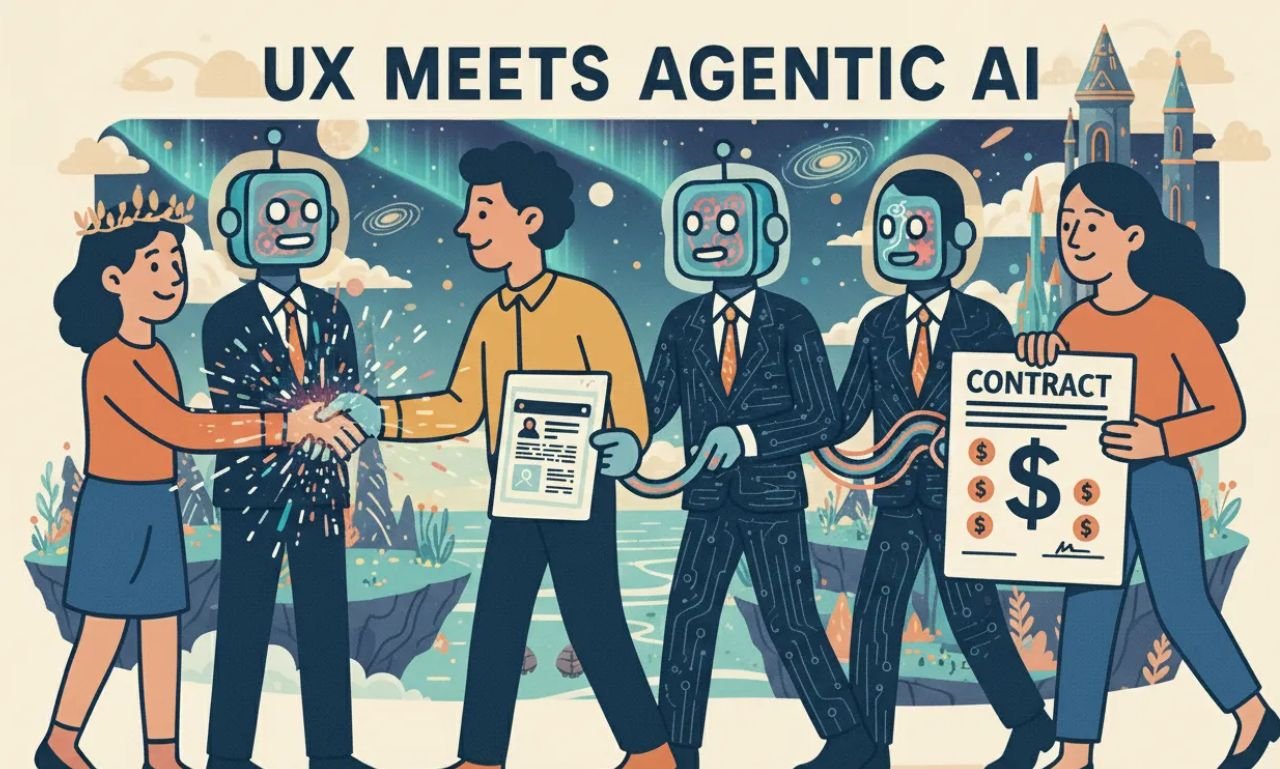
In late 2026, the trend has moved beyond simple chatbots to “Agentic Websites.” This is a design philosophy where the site acts as an active agent for the user, executing complex tasks like building customized product bundles or navigating support workflows through natural language.
A WordPress designer for hire now integrates “Ask & Act” interfaces. Instead of a user clicking through five menu levels to find a specific service, they can simply type or speak their intent. The site then dynamically reorders its layout to present the exact blocks needed to complete that task. This reduces friction and drastically improves conversion rates for high-intent visitors.
Why is Personalization-at-Scale the Future of WordPress Design?
Personalization in 2026 isn’t just about “Hello, [Name].” It is about Micro-Personalized Design. Using AI-driven themes and plugins, a WordPress designer for hire can create a site that physically changes its structure based on user behavior, device type, and even local time.
For New Visitors: The site displays a guided, educational “Storytelling” layout.
For Returning Customers: The hero section swaps to a “Quick-Access” dashboard with one-click reordering.
For Corporate Leads: The UI shifts to a data-heavy, minimalist view emphasizing ROI and technical whitepapers.
This level of customization ensures that WPCarePoint clients receive a bespoke experience that feels tailored rather than templated.
How Do You Optimize WordPress for “Spatial UX” and 3D Depth?
As the web becomes more immersive, a WordPress designer for hire must incorporate “Spatial UX.” This involves using layered motion, 3D product previews, and depth-based scroll effects to make flat pages feel like environments.
Crucially, these aren’t just for show. Micro-animations in 2026 serve as “usability infrastructure.” They provide visual confirmation for actions, such as a button subtly “pressing” inward or a form field glowing when successfully validated. When executed by a specialist, these elements enhance the “human” feel of a site in an increasingly AI-saturated market, building the deep trust necessary for high-ticket conversions.
What is “Speculative Loading” in WordPress Performance?
While traditional caching is standard, Speculative Loading is the performance advantage of 2026. This technology uses the Speculation Rules API to predict the user’s next move. If a user hovers over a “Services” link, the browser pre-renders that page in the background.
By the time the user actually clicks, the page is already fully loaded and displays instantly. For a WordPress designer for hire, implementing speculative loading is the difference between a “fast” site and one that feels instantaneous. This directly impacts Core Web Vitals, particularly INP (Interaction to Next Paint), which is now a primary ranking factor for Google and AI-driven Generative Search Engines.
How Does Accessibility-First Design Improve Your SEO?
Accessibility is no longer an “extra” feature; in 2026, it is a legal and SEO requirement. An authoritative WordPress designer builds with an Accessibility-First mindset, which naturally aligns with how AI Answer Engines crawl your site.
Semantic HTML Hierarchy: Correct use of
<h1>through<h6>tags.Aria Labels & Alt Text: AI models use these descriptions to “see” your images, making your site more likely to be cited in visual search results.
High-Contrast & Kinetic Typography: Ensuring that bold, expressive fonts remain legible for all users, including those with visual impairments.
By making your site usable for everyone, you broaden your audience and signal to search engines that your content is high-quality and inclusive.
Frequently Asked Questions (FAQ)
1. What is the average cost to hire a WordPress designer in 2026?
The cost varies based on project scope. A professional, custom-designed business site typically ranges from $3,000 to $15,000+, while complex e-commerce or enterprise solutions can exceed $25,000 depending on integrations.
2. Can a WordPress designer help with my site’s SEO?
Yes. A professional designer ensures the technical foundation—such as header hierarchy, site speed, and mobile responsiveness—is optimized, which is essential for both Google and AI search engines.
3. How long does it take to build a custom WordPress website?
A standard high-quality project usually takes 4 to 8 weeks. This includes the discovery phase, UI/UX design, custom coding, testing, and final SEO optimization before launch.
4. Is WordPress secure enough for my business in 2026?
Absolutely. When managed by an expert who implements advanced firewalls, SSL, and regular core updates, WordPress is one of the most secure platforms available.
5. What is the difference between a theme and a custom design?
A theme is a pre-made template used by thousands. A custom design is a unique, ground-up build tailored specifically to your brand’s goals, ensuring better performance and a distinct identity.
Final Strategy with WPCarePoint
Success in the modern web requires a blend of technical mastery and forward-thinking design. When you look for a WordPress designer for hire, you aren’t just looking for someone to make a site “look pretty”—you are looking for a partner who can navigate the complexities of AI search, performance metrics, and enterprise-grade security.
At WPCarePoint, we stay at the forefront of these shifts, ensuring your digital presence is built on a foundation that lasts. From custom block development to advanced GEO strategies, we help your business lead rather than follow.
Thanks for reading our article.
Developer at WPCarePoint
Booking for a 30-minute Free Consultation on Google Meet: Click here for an appointment today.
contact@wpcarepoint.com
www.wpcarepoint.com